![corl-logo-color ICON-1.png]](https://knowledgebase.corltech.com/hs-fs/hubfs/corl-logo-color%20ICON-1.png?height=40&name=corl-logo-color%20ICON-1.png)
Viewing Renewals with downsells in HubSpot:
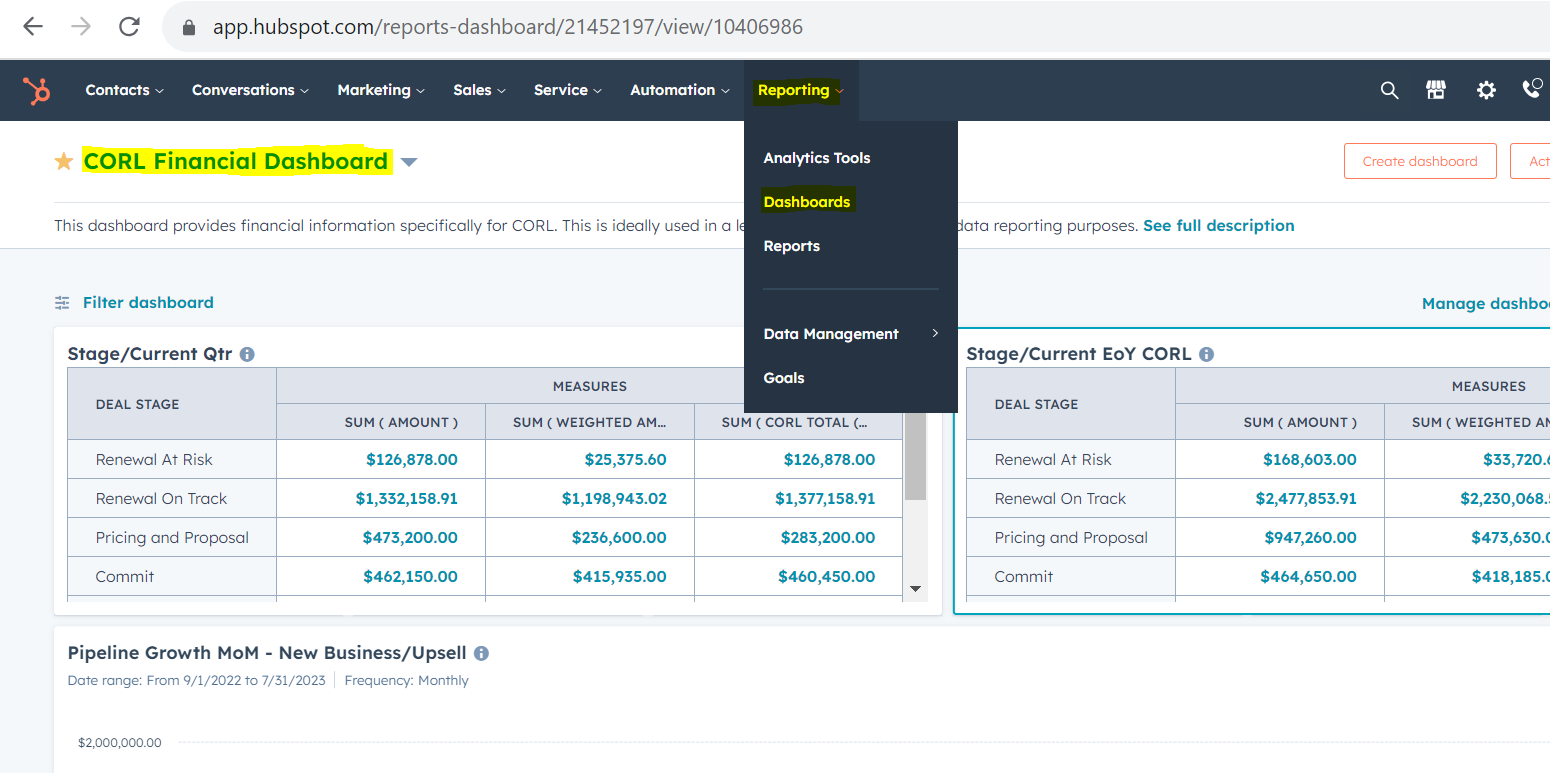
Navigate to the "CORL Financial Dashboard" in HubSpot by going to dashboards inside of the "Reports" tab and searching for CORL Financial Dashboard. If you are unsure of how to get to dashboards, see the article "How do I view specific dashboards?" in the FAQ's section of this knowledge base. If they "Reports" tab does not appear at the top of you HubSpot page, please reach out to your HubSpot Administrator.
Scroll down until you see the report titled "2023 Deals Won Downsell". This is a list of CORL deals that are renewal downsell. Keep in mind the deals below are examples, and you must go to the report in the dashboard for updated values.

For more information on the deal, you can visit the deal itself by clicking on its name in blue. To export this information, click the 3 ellipses in the top right corner and select "Export".