![corl-logo-color ICON-1.png]](https://knowledgebase.corltech.com/hs-fs/hubfs/corl-logo-color%20ICON-1.png?height=40&name=corl-logo-color%20ICON-1.png)
Filtering by deal owner:
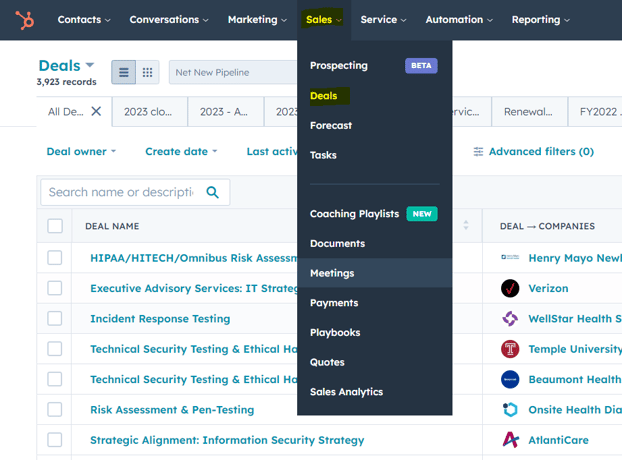
Navigate to the deals page view inside of HubSpot by clicking the "Sales" tab and selecting "Deals".
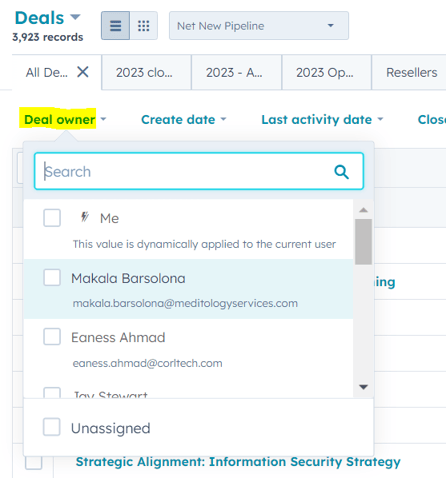
On the left side of the deals view find the button for "Deal Owner". Click it and select "Me" or type in your name.
Save a view for only my deals:
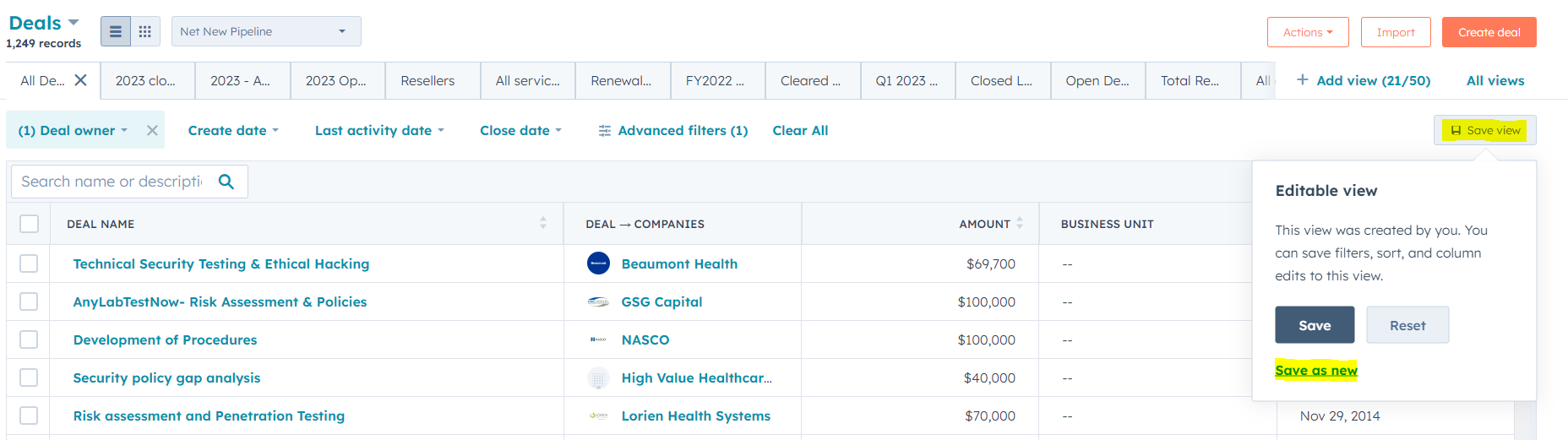
Once you have filtered for your deals only, you can save the view by finding "Save View" on the right-hand side of the webpage. Hit "Save as new" and title so you can come back to it. It will save as a deal view at the top of your deals page.