![corl-logo-color ICON-1.png]](https://knowledgebase.corltech.com/hs-fs/hubfs/corl-logo-color%20ICON-1.png?height=40&name=corl-logo-color%20ICON-1.png)
Viewing activity on deals:
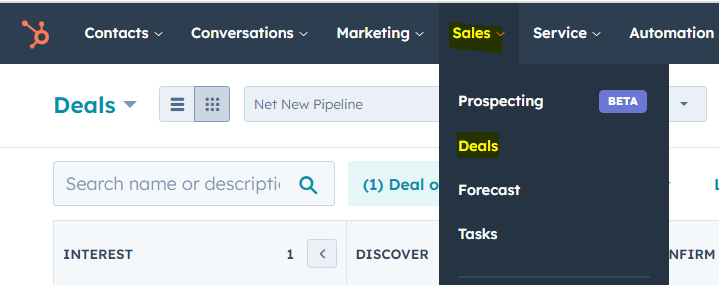
Navigate to the deals section in HubSpot by selecting the "Sales" tab at the top and clicking "Deals".
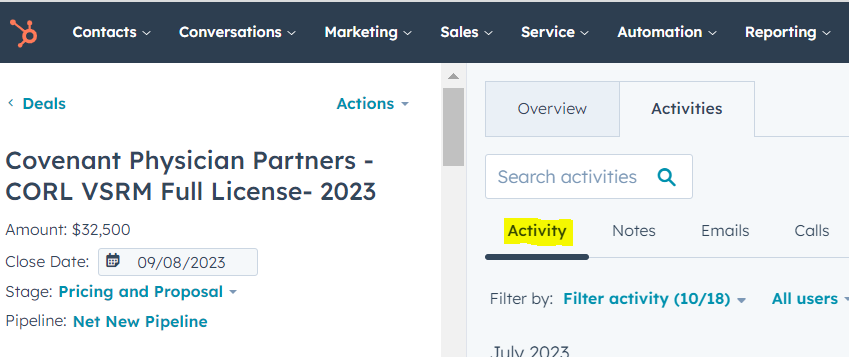
Click into the deal with the activity you want to review. In the "Activity" section, you view all recent and historical activity on the deal.