![corl-logo-color ICON-1.png]](https://knowledgebase.corltech.com/hs-fs/hubfs/corl-logo-color%20ICON-1.png?height=40&name=corl-logo-color%20ICON-1.png)
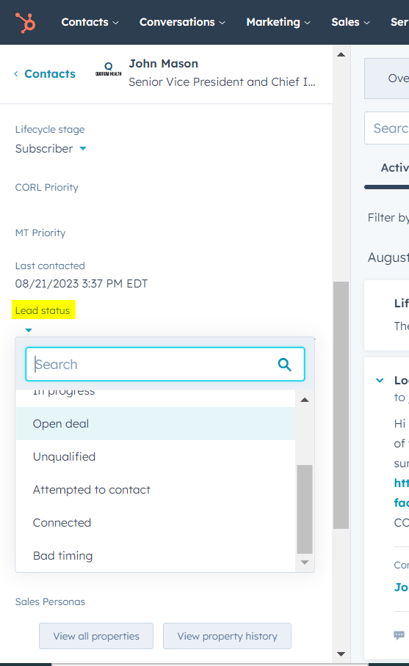
Update lead status in HubSpot:
Click into the contact whose status you are updating. On the left-hand side inside the contact page, scroll down until you see "Lead status". Update the value there.
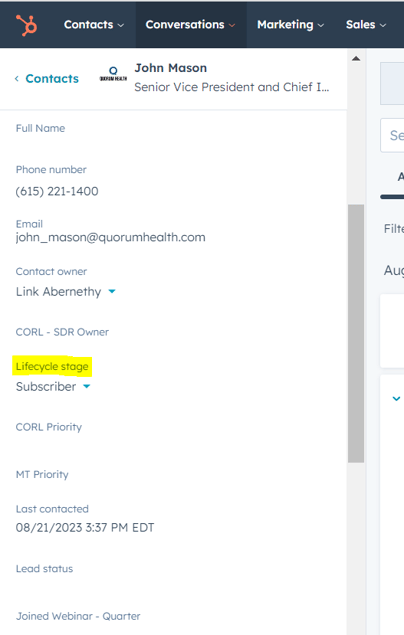
Updating Lifecycle stage in HubSpot:
Click into the contact whose status you are updating. On the left-hand side inside the contact page, scroll down until you see "Lifecycle Stage". Update the value there.