![corl-logo-color ICON-1.png]](https://knowledgebase.corltech.com/hs-fs/hubfs/corl-logo-color%20ICON-1.png?height=40&name=corl-logo-color%20ICON-1.png)
Viewing deals that have closed this quarter:
Navigate to the 2023 Company dashboard.
Use the link above or go to HubSpot -> Reports -> Dashboards -> 2023 Company Dashboard.
Find the report titled Q1-Q4 Bookings (Net). The report will show as Q1, Q2, Q3, or Q4 Bookings (Net) depending on what the current quarter is.
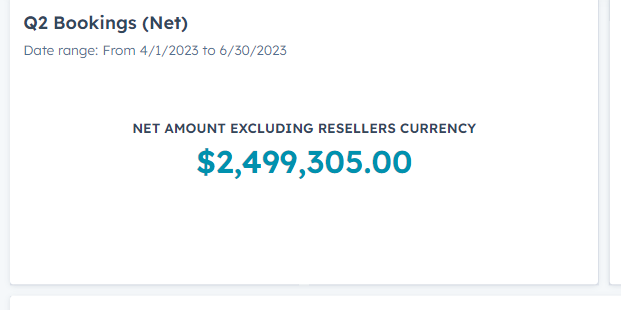
To export this information, click the number showing on the report, navigate to the top right and click export. A "Click here to download" pop up will appear at the top of the webpage to download the information.
Want to view closed won deals from a different quarter? See the article here.