![corl-logo-color ICON-1.png]](https://knowledgebase.corltech.com/hs-fs/hubfs/corl-logo-color%20ICON-1.png?height=40&name=corl-logo-color%20ICON-1.png)
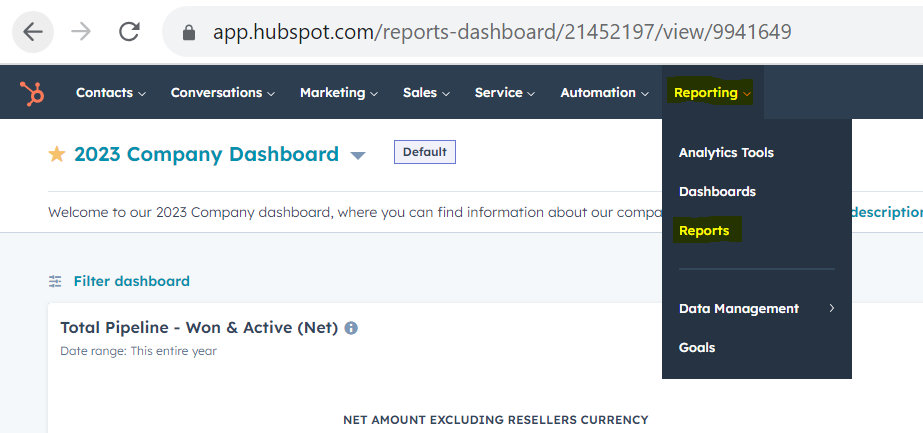
At the top of your HubSpot screen, select the tab that says "Reporting". Select "reports" from the dropdown.
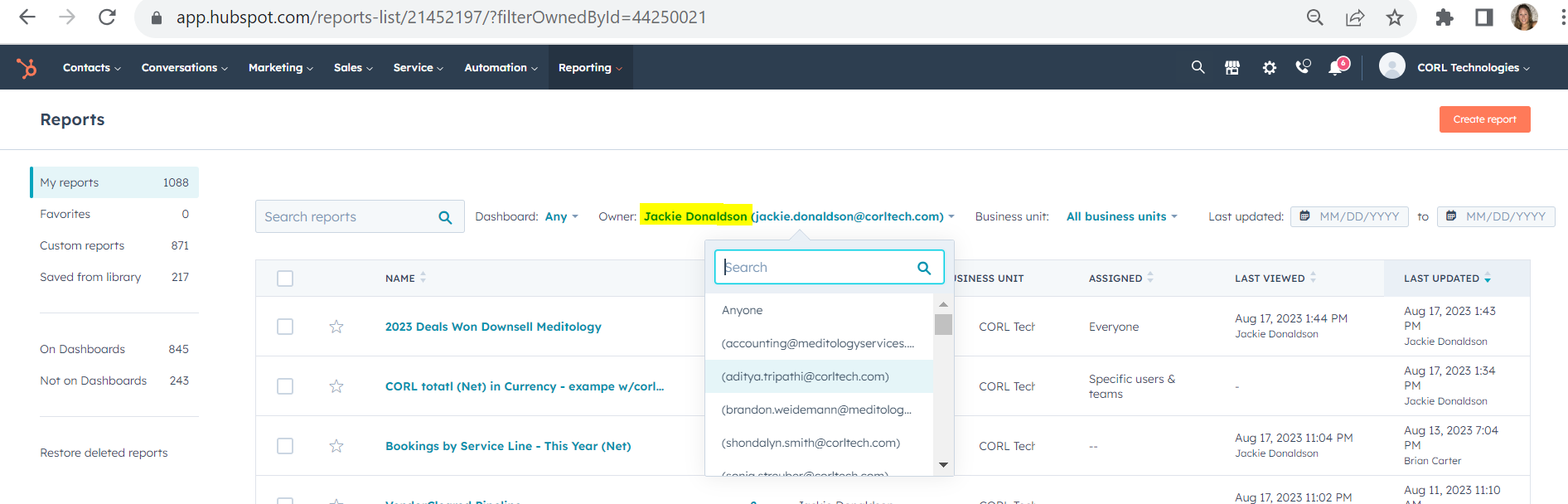
Once inside, click the name next to the "Owner" field, type in your name, and the reports will update to reflect only the ones you have created.