![corl-logo-color ICON-1.png]](https://knowledgebase.corltech.com/hs-fs/hubfs/corl-logo-color%20ICON-1.png?height=40&name=corl-logo-color%20ICON-1.png)
Filtering and Exporting reports in HubSpot:
Click into the report you are exporting by hitting the three lines at the top right of the report.
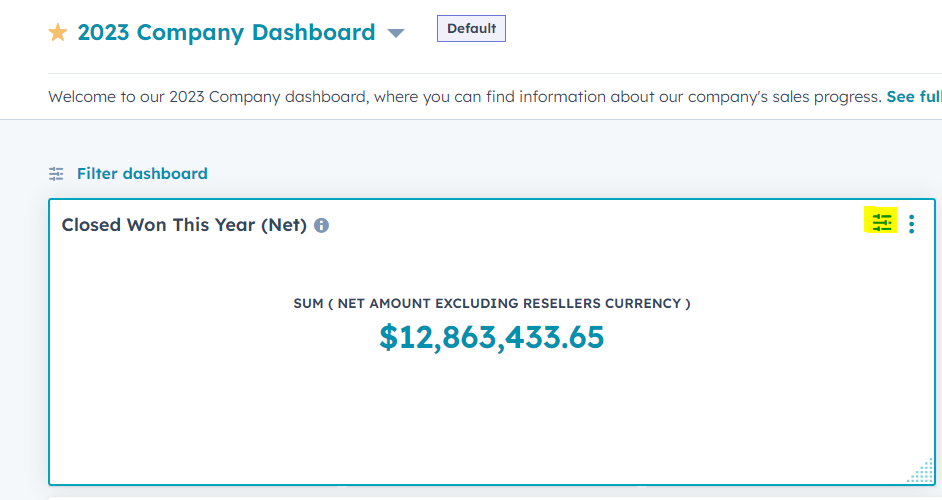
Note: you have to hover over the report for the 3 lines to show.
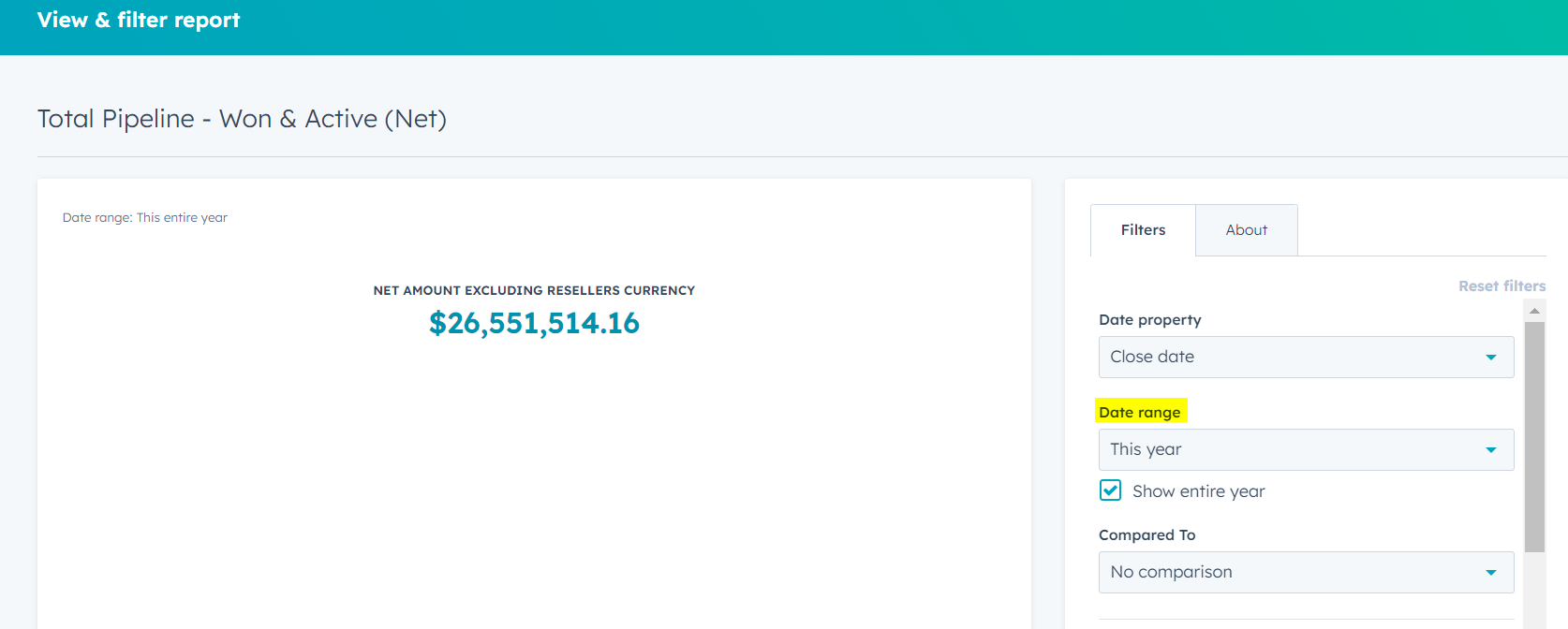
The report in the example above is for the full year. Let's say you wanted to set the date for the past 30 days. Once you click into the report you can filter the report in the "Filters" section to the right. Click on "This Year" underneath "Date range".
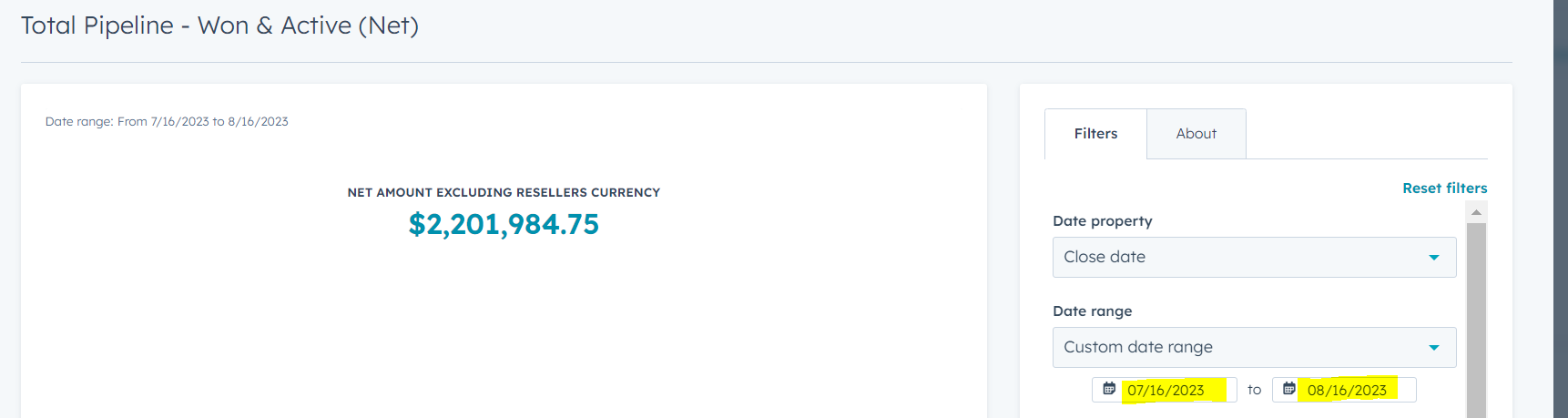
Scroll down until you see "Custom date range" and select it. Enter the dates 30 days from today. The number to the left will update to reflect the new parameters.