![corl-logo-color ICON-1.png]](https://knowledgebase.corltech.com/hs-fs/hubfs/corl-logo-color%20ICON-1.png?height=40&name=corl-logo-color%20ICON-1.png)
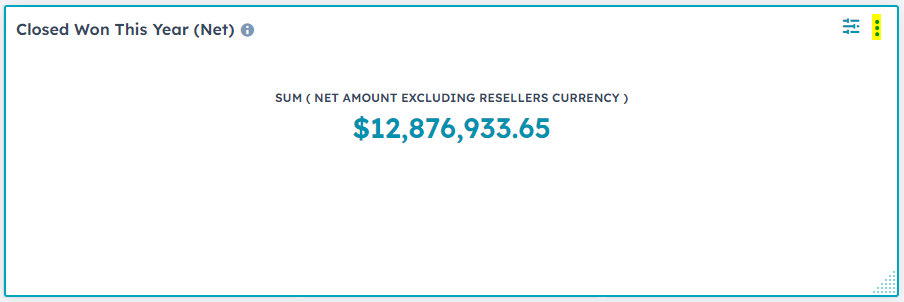
Locate the report you want to make a copy of. Click the 3 dots at the top right of the report.
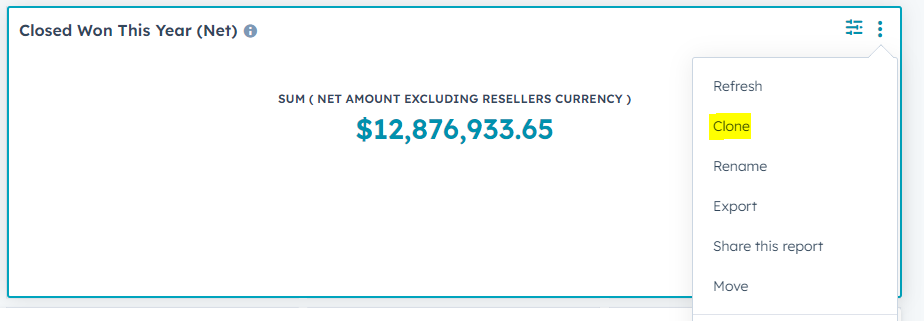
A dropdown will appear, select "Clone".
Be sure to rename it so that you can locate it in the future. It will save to your reports in HubSpot. For more information on how to find your saved reports, see the article "How can I view my saved reports in HubSpot?"